









































01 · The Showroom
Your entire project, inside a single link.
A web platform built around your development, and a panel your team runs it from. These are all the pieces. Pick one to see it in detail.
01 · Sections
360° tours of the project
Immersive walkthroughs that put your client inside the project: the lobby, the model unit, the terrace. They explore end to end by dragging with a finger.
02 · Sections
Fly around the exterior
An aerial pass over the project and its surroundings: the tower, the neighbouring blocks, the entrances. The client understands where they are before stepping into a unit.
03 · Sections
Floor-by-floor navigation
Move up the building level by level until you find the unit. Each floor shows how many units are still available before you go in.
04 · Sections
Unit finder
A single section where the client filters by rooms, area, orientation, floor and price until they land on the right unit. Less back and forth for your team.
05 · Sections
Location and points of interest
Show where the project sits and what surrounds it: schools, clubs, malls, access roads. The neighbourhood sells too.
06 · Sections
Showcase the amenities
Pool, gym, party room, coworking, grills: every amenity with its own render and 360° tour, in a dedicated section.
07 · Sections
Construction progress uploads
Upload photos and video of the progress month by month. Your buyers watch what they bought take shape, and that keeps confidence up until handover.
08 · Sections
Collect enquiries
Forms, a WhatsApp button and social links placed where they make sense along the journey. Every enquiry lands straight in your CRM with the unit they were looking at.
09 · Sections
Multiple languages
The same showroom in several languages, with areas and prices in the right unit of measure. If you sell abroad, the investor reads it in their own.
10 · Sections
AI chatbot
An assistant trained on your project data that answers availability, dimensions, orientation and financing at any hour, and hands over to your team when there is buying intent.
11 · Sections
Downloadable unit sheets
The client downloads the PDF for the unit they care about, or shares it with an automatic QR code. Your sales material is always current.
12 · Content
Full rendering
Our content team turns plans and ideas into renders that are ready to sell. You hand over the drawing; we hand back the image that closes the deal.
13 · Content
Furnished 3D floor plans
Floor and unit plans furnished in 3D, set in the context of the project. The client understands the unit without knowing how to read a blueprint.
14 · Content
Interactive 3D floor plan
The unit in 3D to rotate, zoom and explore from the browser: isometric view, 2D plan and day or night mode with the lighting of each room.
15 · Content
Real views by height
With a drone survey we show the real view from every balcony and every height. That settles the argument about what you can see from the 18th floor.
16 · Content
Animation and AI-assisted content
We produce project video, transitions between sections and social assets with AI support. More content, in less time, without dropping the bar.
17 · Content
Switch finishes
A section to compare the same unit in two extra styles: materials, finishes and furniture. The buyer pictures themselves in their own version.
18 · Content
Night mode
Switch the exterior lighting between day, sunset and night. The same tower, three moods, for presentations that land.
19 · Client panel
Update availability
Mark a unit as reserved or sold and the showroom reflects it instantly. What the client sees is what is actually left.
20 · Client panel
Build the price list
Load and adjust the value of each unit from a simple grid. No more outdated price lists doing the rounds on WhatsApp.
21 · Client panel
Create financing calculators
Set the down payment, instalments and balloon payments, and the showroom builds the calculator. The client runs their own plan without calling anyone.
22 · Client panel
Use our CRM
Showroom leads land in a simple CRM inside the same panel, tagged with the unit they were viewing. No exporting spreadsheets, no lost contacts.
23 · Client panel
Create content for social
Generate vertical assets of the project from the panel, ready to post. Your marketing team stops waiting on the content team.
24 · Client panel
Brochure generator
Build the project brochure in a Canva-style editor: start from a template, edit every page and export the PDF. It is ready to download in the showroom, with its own link to share.
25 · Client panel
Unlimited broker links
Every agency selling the development gets its own link. Prospects and analytics never mix, and you can add as many as you need.
26 · Client panel
Metrics and analytics
Most visited units, time on screen and heat maps. You know what your prospect looked at before you call them.
27 · Client panel
Request new features
Need something that does not exist yet? Request it from the panel and we build it. The showroom grows with how you actually sell.
28 · Extras
Urbania Inversor Prevenido
A report by the Urbania team that assesses the project and the developer's track record from public information, and assigns it an investment risk score. The result appears in the showroom as a verified seal, with the full report available to read.
28 features · plus whatever your project needs
Show me this with my project01 · Sections
360° tours of the project
Immersive walkthroughs that put the client inside the development: the entrance, the internal streets, the common areas. They explore end to end by dragging a finger.
02 · Sections
Fly around the exterior
An aerial flythrough over the lots and their surroundings: the blocks, the access roads, what is being built nearby. The client knows exactly where they stand before entering a lot.
03 · Sections
Area-by-area navigation
Move through the development area by area until you find the lot. Each area shows how many lots are still available before you go in.
04 · Sections
Lot finder
A single section where the client filters by size, frontage, orientation, area and price until they find the right lot. Less back and forth for your team.
05 · Sections
Masterplan in context
Show the development sitting on its real surroundings: the access roads, the highways, the schools and clubs nearby. With lots, the surroundings do not support the sale, they ARE the sale.
06 · Sections
Showcase the amenities
Pool, gym, party room, coworking, grills: every amenity with its own render and 360° tour, in a dedicated section.
07 · Sections
Construction progress uploads
Upload photos and videos of infrastructure progress month by month: streets, utilities, landscaping. Your buyers watch what they bought take shape, and that sustains trust all the way to handover.
08 · Sections
Collect enquiries
Forms, a WhatsApp button and social links placed where they make sense along the journey. Every enquiry lands straight in your CRM with the unit they were looking at.
09 · Sections
Multiple languages
The same showroom in several languages, with areas and prices in the right unit of measure. If you sell abroad, the investor reads it in their own.
10 · Sections
AI chatbot
An assistant trained on your project data that answers availability, dimensions, orientation and financing at any hour, and hands over to your team when there is buying intent.
11 · Sections
Downloadable lot sheets
The client downloads the PDF for the lot they are interested in or shares it with an automatic QR code. Your sales material always up to date.
12 · Content
Full rendering
Our content team turns plans and ideas into renders that are ready to sell. You hand over the drawing; we hand back the image that closes the deal.
13 · Content
Furnished 3D floor plans
Furnished 3D floor plans of the homes, set in the context of the development. The client understands the house without knowing how to read a plan.
14 · Content
Animation and AI-assisted content
We produce project video, transitions between sections and social assets with AI support. More content, in less time, without dropping the bar.
15 · Content
Switch finishes
A section to compare the same unit in two extra styles: materials, finishes and furniture. The buyer pictures themselves in their own version.
16 · Content
Night mode
Switch the exterior lighting between day, sunset and night. The same tower, three moods, for presentations that land.
17 · Client panel
Update availability
Mark a unit as reserved or sold and the showroom reflects it instantly. What the client sees is what is actually left.
18 · Client panel
Build the price list
Load and adjust the value of each unit from a simple grid. No more outdated price lists doing the rounds on WhatsApp.
19 · Client panel
Create financing calculators
Set the down payment, instalments and balloon payments, and the showroom builds the calculator. The client runs their own plan without calling anyone.
20 · Client panel
Use our CRM
Showroom leads land in a simple CRM inside the same panel, tagged with the unit they were viewing. No exporting spreadsheets, no lost contacts.
21 · Client panel
Create content for social
Generate vertical assets of the project from the panel, ready to post. Your marketing team stops waiting on the content team.
22 · Client panel
Brochure generator
Build the project brochure in a Canva-style editor: start from a template, edit every page and export the PDF. It is ready to download in the showroom, with its own link to share.
23 · Client panel
Unlimited broker links
Every agency selling the development gets its own link. Prospects and analytics never mix, and you can add as many as you need.
24 · Client panel
Metrics and analytics
Most visited units, time on screen and heat maps. You know what your prospect looked at before you call them.
25 · Client panel
Request new features
Need something that does not exist yet? Request it from the panel and we build it. The showroom grows with how you actually sell.
26 · Extras
Urbania Inversor Prevenido
A report by the Urbania team that assesses the project and the developer's track record from public information, and assigns it an investment risk score. The result appears in the showroom as a verified seal, with the full report available to read.
26 features · plus whatever your project needs
Show me this with my projectConnects to the tools you already use.
Native integrations, Zapier or our API. If your system is not listed, we build the integration.
-
 Meta
Meta -
 Google
 -
 WhatsApp
 -
 Zapier
 -
 Trivo
Trivo -
 Isprop
 -
 Odoo
Odoo -
 Tokko Broker
 -
 Zoho
Zoho -
 HubSpot
 -
 Salesforce
 -
 Pipedrive
 -
 Kommo
Kommo -
 GoHighLevel
 -
 Wasi
Wasi -
 SAP
SAP
Third-party trademarks belong to their owners and are shown only to indicate compatibility.

02 · Testimonials
What the people already using it say.
Developers and studios that put their off-plan project inside an Urbania Virtual Showroom.

We rolled out the Urbania Virtual Showroom across all of our projects, and they delivered them very quickly. I think it helps sell, and it helps the investor understand what they are buying. They are killing it on social, with the product, with their clients. I follow them and I know they are going to do very well.

They proved that they could build not only a very good product, but do it in a very short time. I found the tool astonishing. Having something that lets you sell virtually, anywhere in the world, is spectacular.

For me Urbania was a before and after at Fernández Prieto. People of my generation who see the product are blown away. When we send it over WhatsApp it solves 70% of the work that used to take meetings and coffees to explain the project. We built an incredible synergy.

By the time the client sits down with you, they have all the information they need: how the project is laid out, what views they will have, the feel of the unit, what is available. By that point they have already decided. You need a closing specialist more than a product specialist. The product specialist is the job you do so well.

Today there are tools like the Virtual Showroom, the way a brochure once was, that do more than show the project: they add value to the buyer’s experience, because a client now takes for granted that they should be able to see what you are selling off-plan and walk through it.

Together with Urbania we worked on the Nice Delta project by Brothers Developers, creating content for the Virtual Showroom.

How the guys got to Proaco was very funny: they dared us, saying they could digitise Pocito in 20 days. We had been through an experience where it had taken months. With Urbania, in 20 days we not only had an excellent product, which was shown at Casa FOA, we kept using it alongside the model apartment.
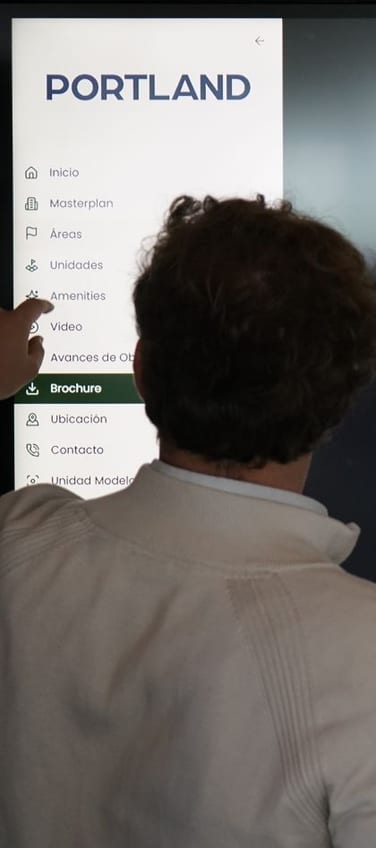
We worked with Urbania to build the Virtual Showroom for Palmera Golf and launch it at the model unit presentation event.

03 · In motion
Real showrooms, in 30 seconds.
Case studies, clients and showrooms in production. Tap any of them to watch it right here.

04 · about us
What has been written about us.
Business, tech and real estate media covered how five architecture students ended up digitising off-plan sales.
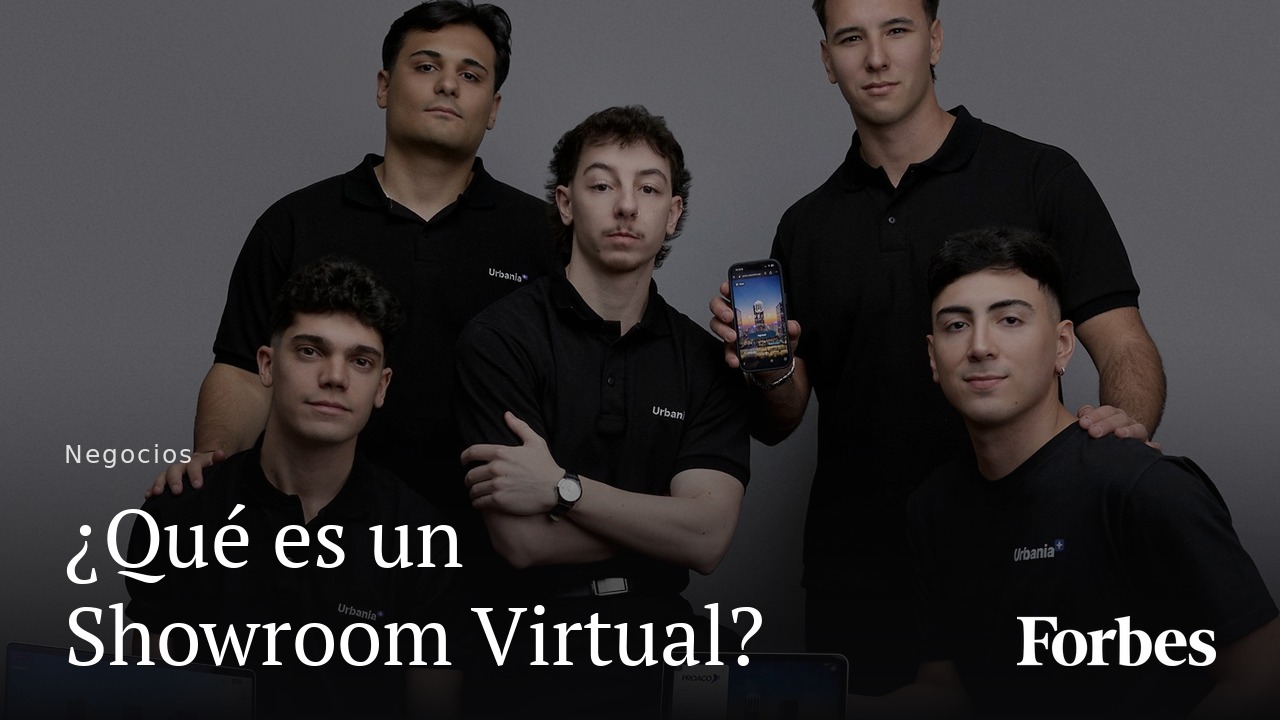
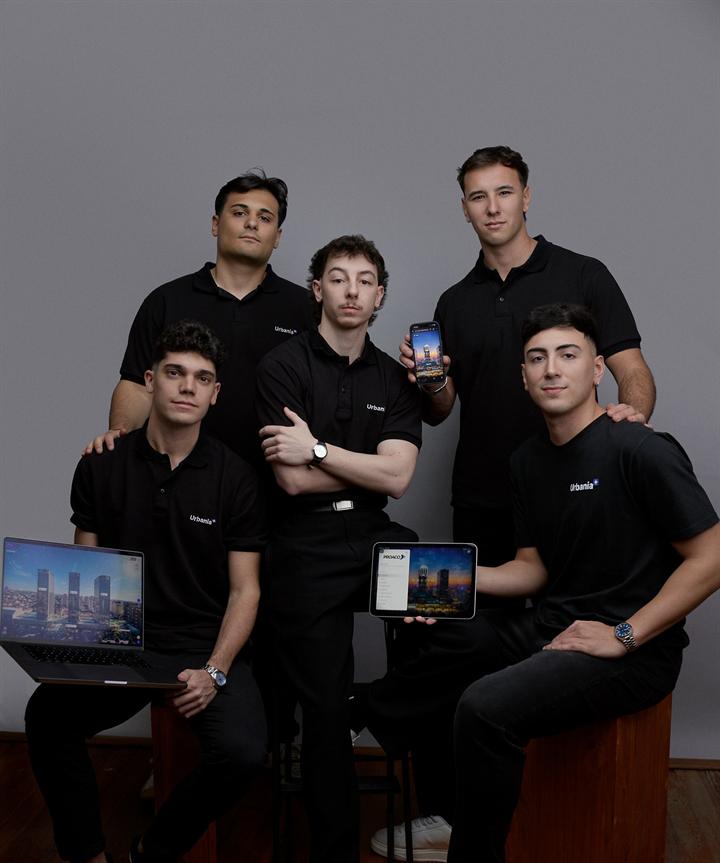 Forbes Argentina Son estudiantes de arquitectura y crearon una app que revoluciona la forma de vender departamentos en pozo Read the article ↗
 -
 EmpreHouse La proptech rosarina que permite recorrer edificios antes de construirlos y ya suma más de 200 proyectos
 -
 Punto Biz Santafesinos conquistaron al real estate de lujo con showrooms virtuales
 -
 El Ciudadano Urbania, la startup rosarina que revoluciona la venta de desarrollos inmobiliarios
 -
 La Capital Crean showrooms virtuales y lograron llegar a grandes constructores
 -
 Minuto Constructivo Del PDF al showroom virtual: la startup que digitaliza la venta inmobiliaria
 -
 InnovaciónDigital360 Cómo es Urbania, la startup de venta en pozo creada por veinteañeros que conquistó a las grandes desarrolladoras
05 · The cost of waiting
What it costs to keep selling everything scattered.
Floor plans in one place, renders in another, PDFs on WhatsApp and availability in a spreadsheet someone updates by hand. Every month like this has a price, and it shows up on no invoice.
-
Buyers can't picture it
A floor plan and three renders aren't enough to decide on something that doesn't exist yet. The gap between what they see and what they'll get fills up with doubt.
Doubt gets resolved by walking away.
-
Your team sells by managing files
Every enquiry starts from zero: find the PDF, check availability, explain the layout and the square metres again.
Selling hours spent moving attachments.
-
Availability is always behind
A spreadsheet updated by hand offers units that already sold and hides the ones that opened up.
You lose the deal and, next time, the trust.
-
You don't know who's actually interested
A PDF sent over WhatsApp doesn't tell you who opened it, how long they stayed or which unit they looked at.
Without that, following up is guesswork.
06 · Questions
Still on the fence?
These are the questions we get asked most before starting. If yours isn't here, message us on WhatsApp and we'll answer the same day.
How is Urbania different from other providers?
We don't hand over a loose render or a standalone tour: we hand over a sales platform. The visuals, live availability, analytics and the CRM all live in the same place, and your team runs it from the panel.
Can I use the Showroom on my website or social media?
Yes. The showroom is your own link: embed it on your site, send it over WhatsApp or email, or put it on a QR code at the site. We also produce video assets of the project for your social channels.
Does it integrate with my CRM or ERP?
Yes. We connect the showroom to the CRM, ERP or management system your team already uses, so nobody has to enter the same data twice: availability and prices can come from your system, and enquiries can flow into it. If we don't work with yours yet, we build the integration.
What kind of projects are a good fit?
Pre-sale developments where the buyer can't visit the unit yet: towers, gated communities, land subdivisions, condos and mixed-use. The bigger and earlier the project, the more it pays off.
What do I need to provide to get started?
Floor plans, the project brief and the unit grid are enough to begin. If you already have renders or 3D models we reuse them; if not, our content team produces them.
Is Urbania only a virtual showroom?
No. Around the showroom we produce all of the development’s visual content (renders, 3D floor plans, 360° tours, video) and add live construction monitoring with Urbania CAM to follow the project through to handover.
What happens when construction is finished?
The showroom remains a commercial asset: it becomes the track record piece for the delivered project, and we can migrate the content to your next development.
